


Description
Download ZoneAlarm Mobile Security Antivirus Protection APK – mobile security, antivirus, privacy protection, free security tool, secure WiFi, anti-ransomware, anti-phishing, device protection
Overview
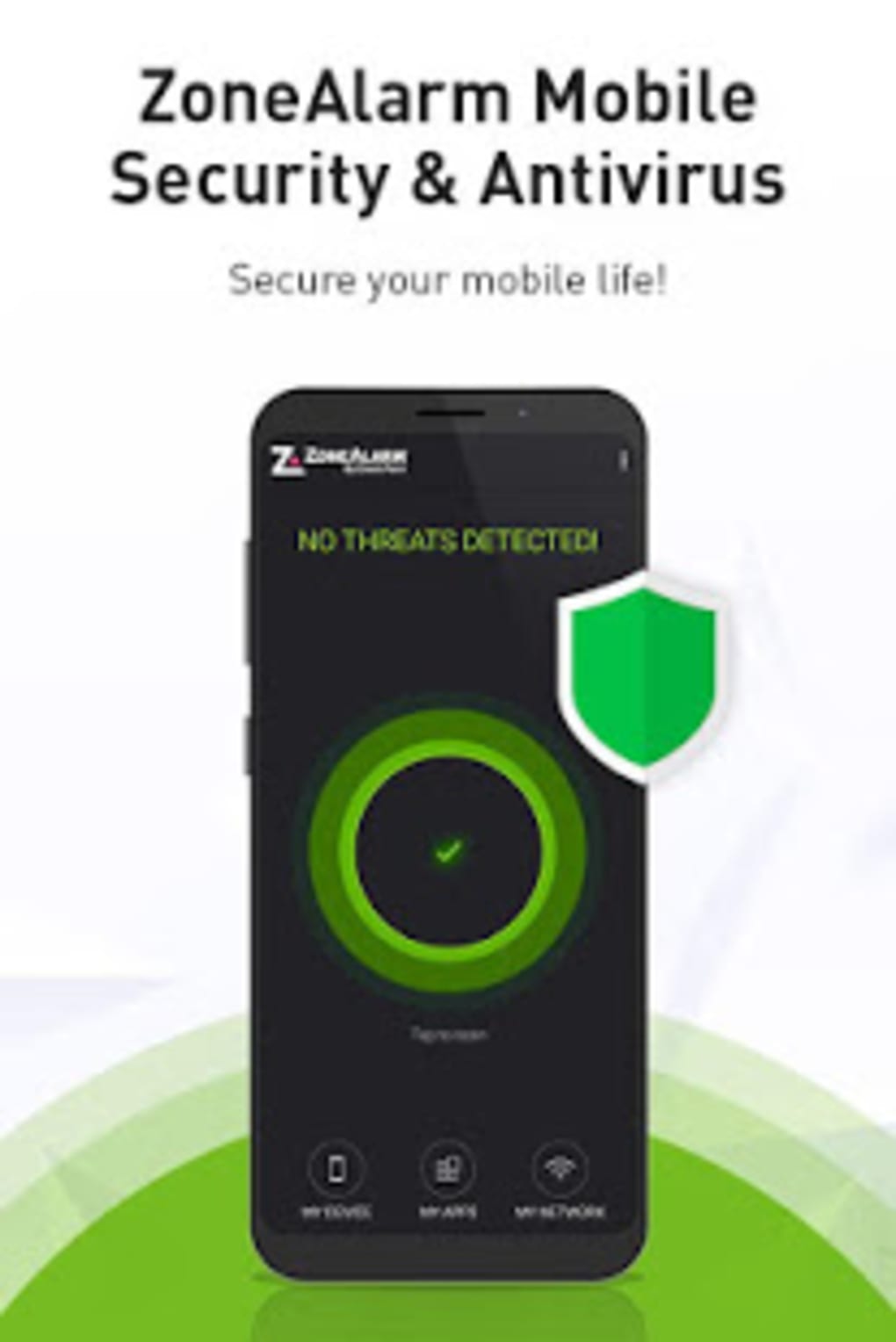
ZoneAlarm Mobile Security is a free antivirus solution designed to protect mobile devices from a range of digital threats. Developed by Check Point Software Technologies, Inc., the application leverages enterprise-grade security technology to safeguard user data and privacy. It is tailored for individuals who prioritize online safety, particularly when using public Wi-Fi networks, browsing the web, or downloading third-party applications. The software is intended for both Android and iOS users seeking a comprehensive security layer without the need for premium subscriptions.
It addresses common mobile security concerns such as malware infections, ransomware attacks, phishing attempts, and unauthorized access to personal information. Real-world usage scenarios include secure online banking, private messaging, and safe app installations on shared or public networks. The app operates as a multi-layered defense system, offering protection across applications, network activity, and the operating system level. While the developer is identified, no additional background on the company’s broader product ecosystem is available.
Users can expect a streamlined experience focused on threat detection and real-time alerts. The software aims to provide peace of mind by continuously monitoring device behavior and system integrity. Its free availability makes it accessible to a wide audience seeking reliable mobile protection without upfront costs.
Key Features & Capabilities
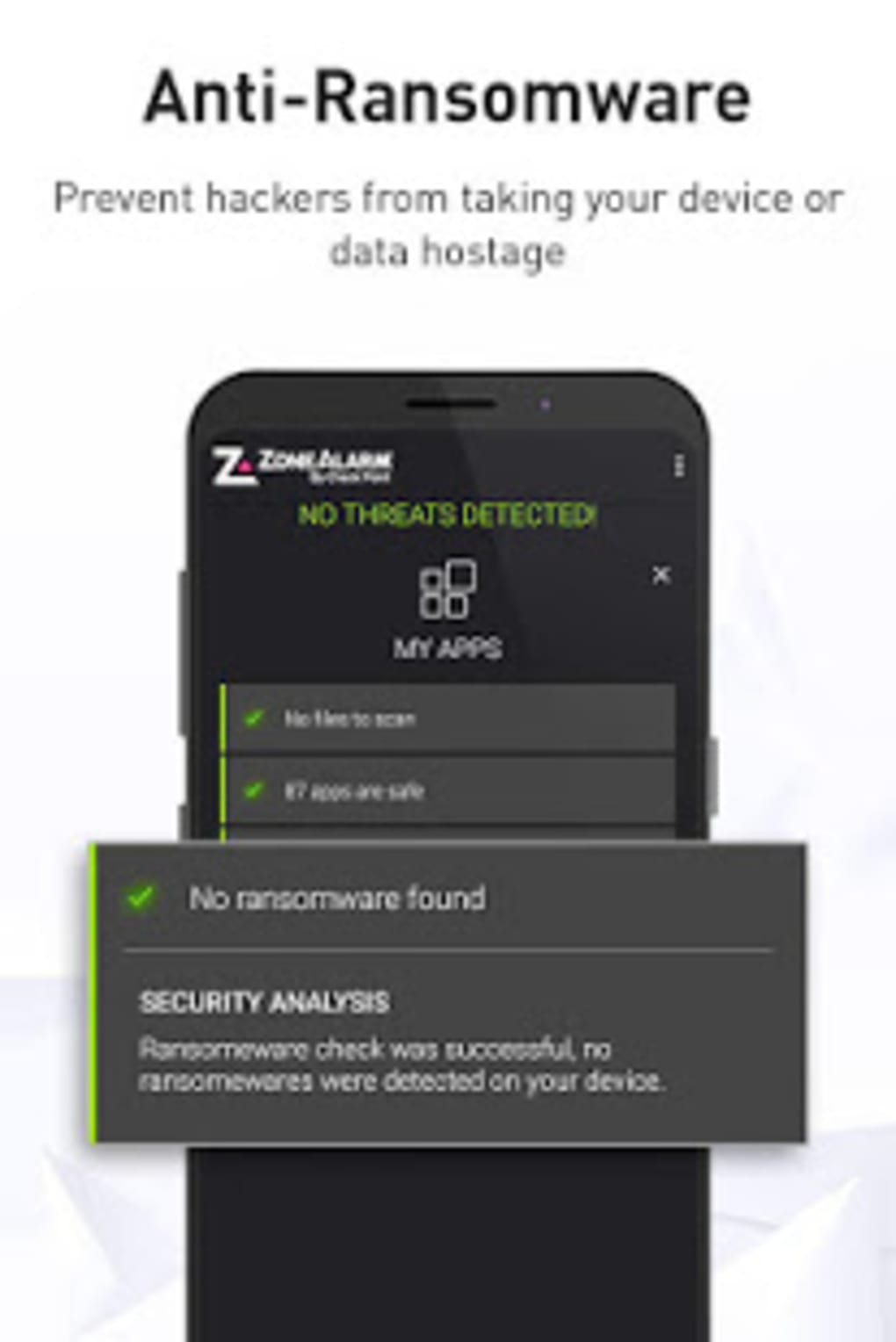
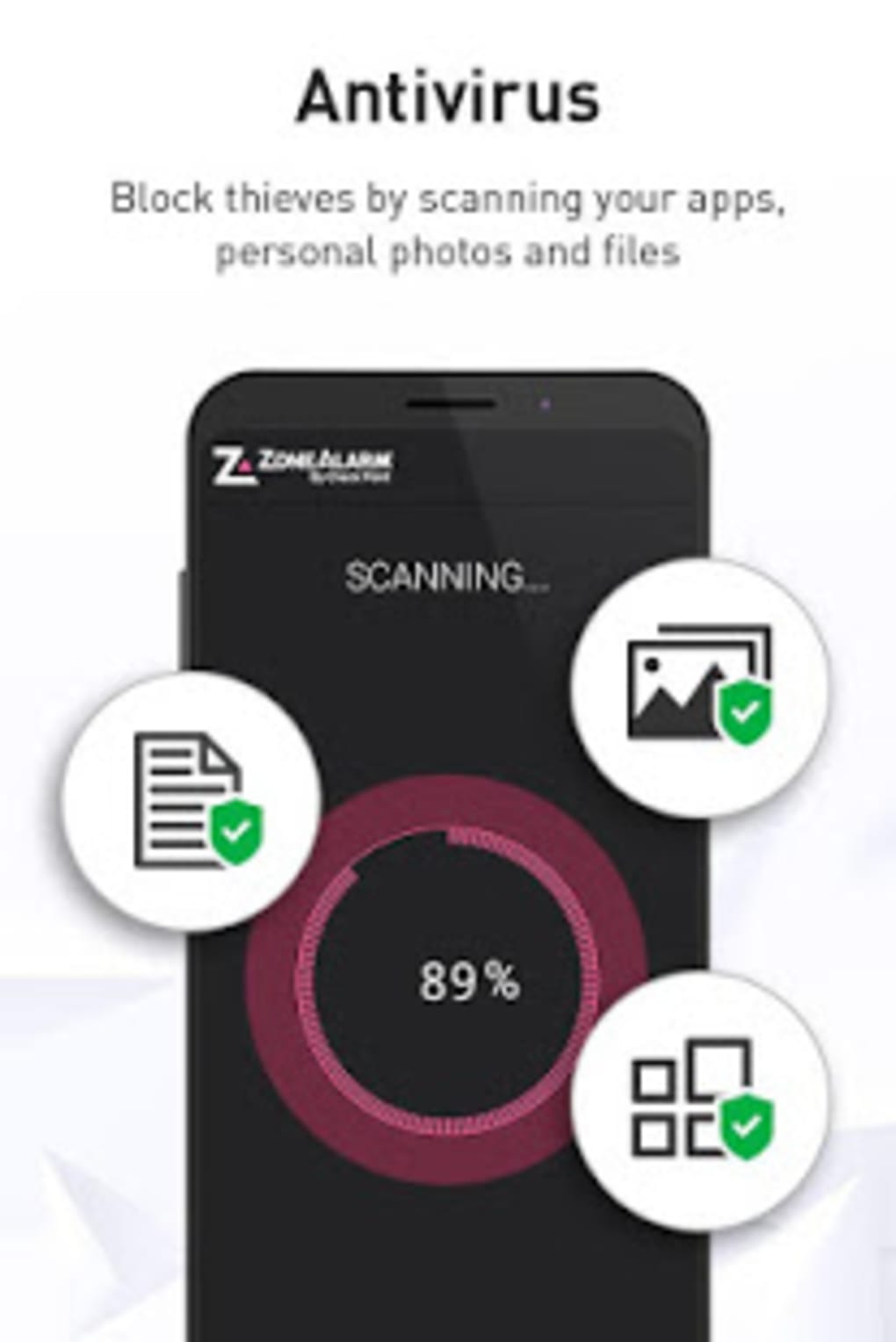
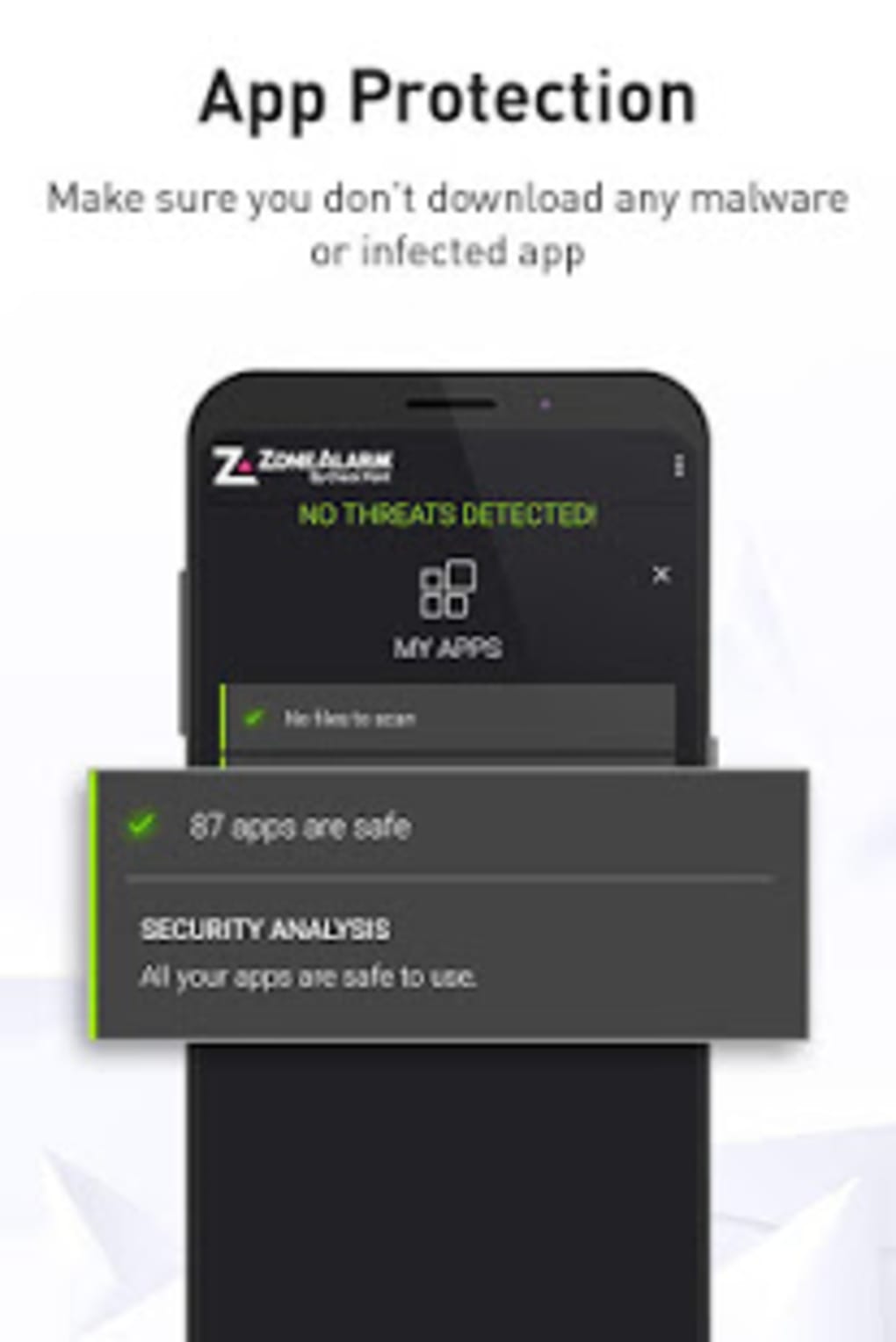
- App Protection: Utilizes real-time scanning and behavioral analysis to detect malicious applications. It includes antivirus and anti-ransomware safeguards, leveraging advanced algorithms and artificial intelligence to identify suspicious app behavior before execution.
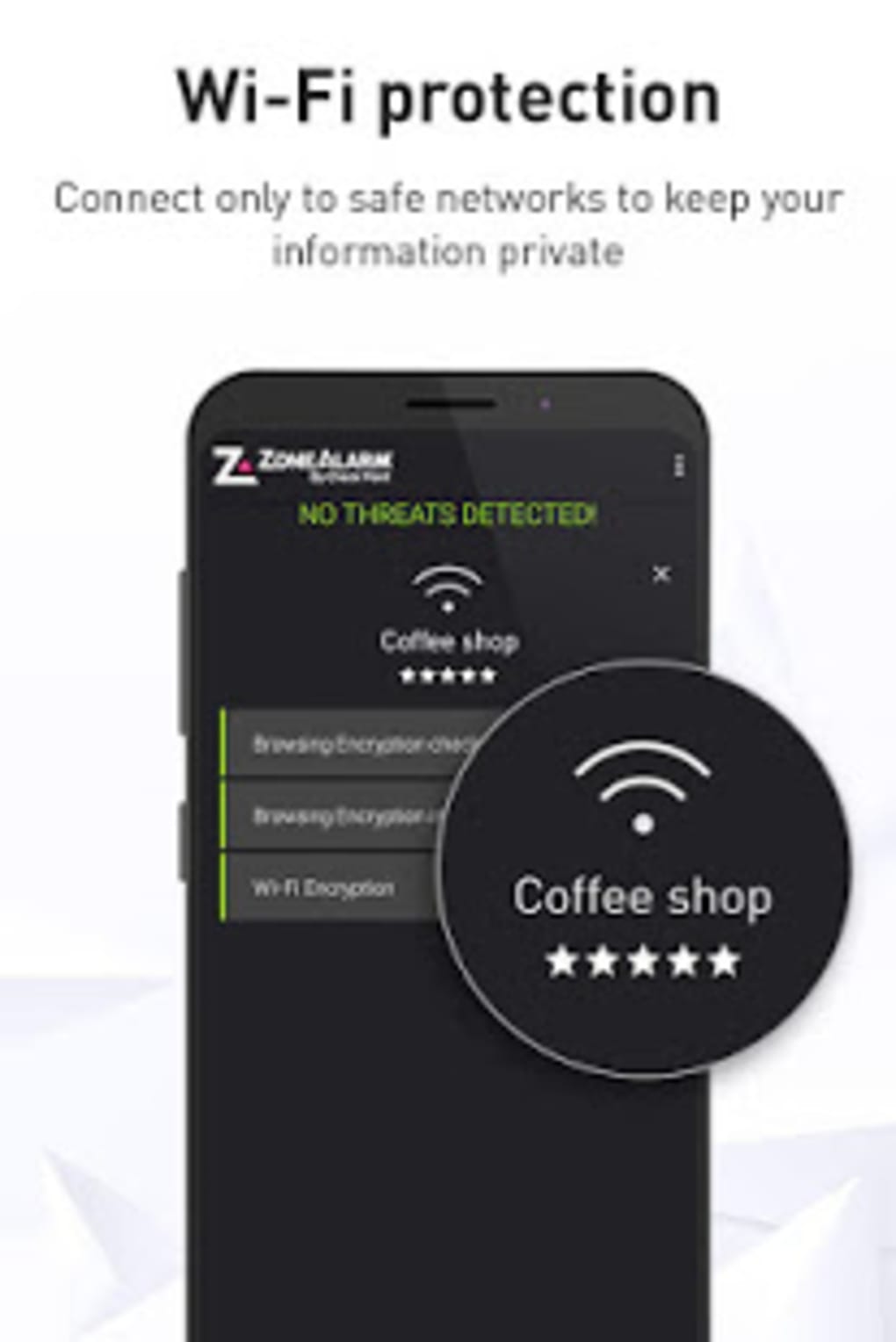
- Network Security: Monitors internet traffic to block phishing attempts, fraud detection, and malicious network activity. Ensures secure browsing and protects sensitive data during online transactions such as banking and email communication.
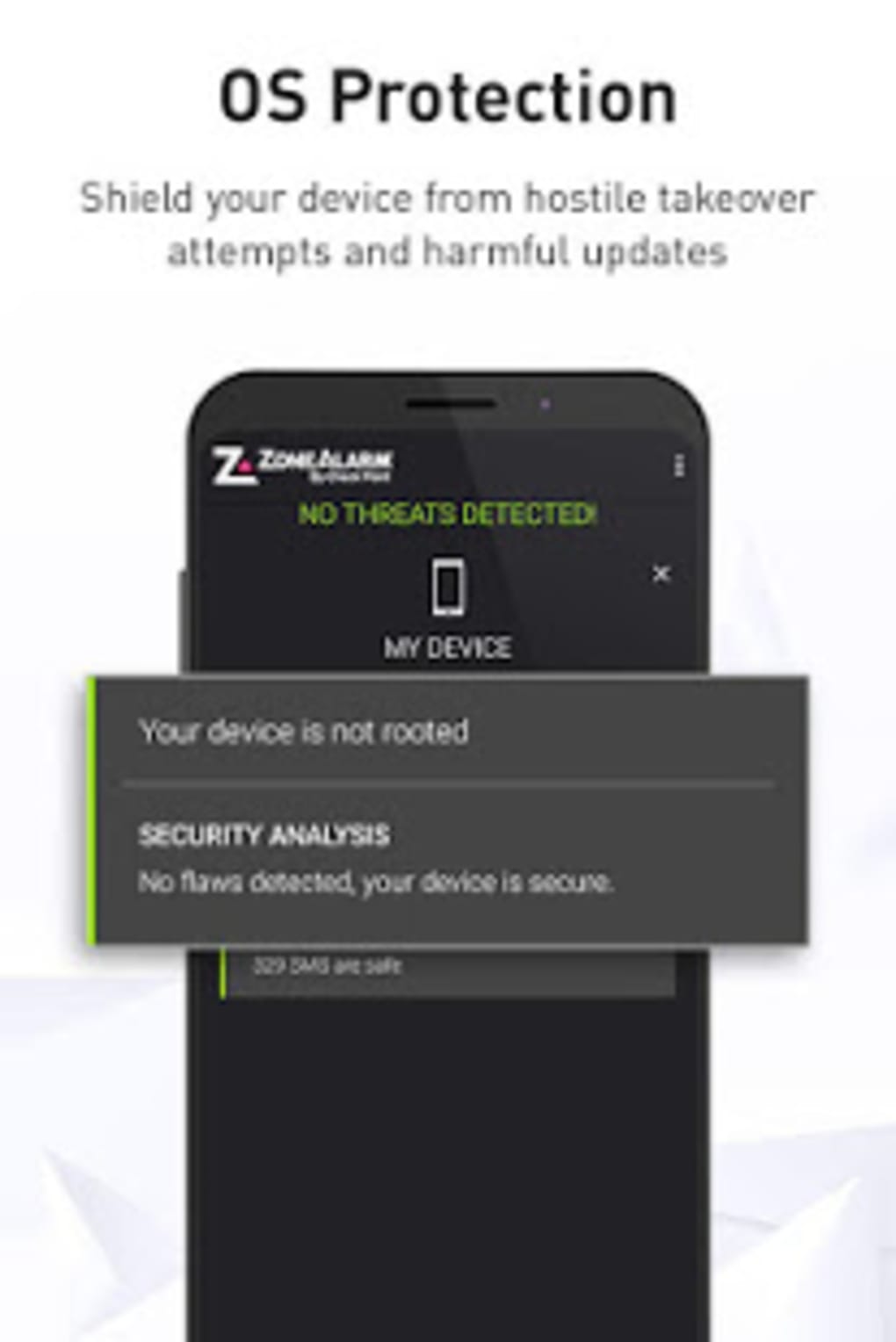
- Operating System Defense: Performs real-time risk assessments to detect vulnerabilities, unauthorized configuration changes, and early-stage rooting attempts. Issues alerts when suspicious device control activities are detected.
- Bluetooth and USB Protection: Scans data and applications transferred via Bluetooth and USB connections to prevent the introduction of malicious payloads from external devices.
- One-Click Security Scan: Allows users to initiate a full device health check with minimal effort, providing immediate feedback on potential threats and system risks.
These features work together to create a layered security environment. For example, when a user downloads an app from an untrusted source, the app protection layer evaluates its behavior, while network security prevents data exfiltration if the app is compromised. The OS defense helps detect root exploits that could undermine system integrity.
User Interface, Workflow & Performance
The user interface is designed to be intuitive, with a clean layout that allows quick access to core security functions. Navigation is straightforward, with clearly labeled sections for scanning, network monitoring, and threat alerts. The workflow emphasizes simplicity, enabling users to perform full device checks and configure protection settings in just a few clicks.
While specific performance metrics such as CPU or RAM usage were not provided, the software is designed to operate efficiently in the background without disrupting device performance. Users can expect minimal interference during regular use. Stability is maintained through regular updates, though exact details on update frequency or patching cycles were not disclosed.
The developer did not specify resource usage details. Performance observations are based on general software behavior patterns for similar mobile security applications. Real-time scanning and monitoring are expected to function seamlessly, with alerts delivered promptly when threats are detected.
Compatibility & System Requirements
ZoneAlarm Mobile Security is compatible with both Android and iOS operating systems. The software is available as a downloadable APK file for Android devices and is accessible through the Apple App Store for iOS users. The application is designed for mobile devices, including smartphones and tablets.
Exact system requirements were not listed. The developer did not specify minimum hardware specifications, such as processor speed, RAM, or storage space. Installation size information is also not provided. Compatibility information was partially provided, indicating broad support across major mobile platforms.
Users should ensure their devices meet standard requirements for running modern mobile applications. No compatibility issues were reported in the provided information.
Pros and Cons
Pros
- Free to download and use, offering enterprise-level protection at no cost.
- Multi-layered defense system covering apps, network, and operating system.
- Real-time threat detection with AI and behavioral analysis.
- Supports both Android and iOS platforms.
- One-click scanning and immediate threat alerts.
- Protects against ransomware, phishing, and data theft.
Cons
- Specific system requirements and file size were not disclosed.
- Performance impact on device resources was not detailed.
- Limited information on update frequency and release cycle.
- May lack advanced features found in premium security suites.
- No official user ratings or third-party benchmarks were provided.
FAQ Section
Is ZoneAlarm Mobile Security available for both Android and iOS?
Yes, the application is compatible with both Android and iOS devices. It can be downloaded as an APK for Android and via the Apple App Store for iOS.
Is the app completely free to use?
Yes, ZoneAlarm Mobile Security is offered as a free security tool with no subscription fees. It provides core antivirus and privacy protection features at no cost.
Does the app require an internet connection to function?
The app requires an internet connection for real-time threat updates and network monitoring. However, basic scanning and local protection functions can operate offline.
How often is the app updated?
The software is regularly updated to address emerging threats and improve protection features. However, the exact update frequency was not specified.
Is ZoneAlarm Mobile Security safe to install?
Yes, the app is developed by Check Point Software Technologies, Inc., a reputable cybersecurity company. It is designed to enhance device security and protect user data from malicious attacks.
Final Thoughts
ZoneAlarm Mobile Security stands out as a robust, free antivirus solution that delivers essential protection across multiple threat vectors. Its three-tier defense strategy—app, network, and operating system—ensures comprehensive coverage for mobile users concerned about privacy and security. The intuitive interface and one-click functionality make it accessible to non-technical users, while its real-time scanning and AI-powered detection offer strong defense against modern cyber threats.
While detailed system requirements and performance data are not available, the app’s design suggests efficient background operation. Its availability on both major mobile platforms enhances its reach and usability. For individuals seeking reliable, no-cost protection for their smartphones and tablets, ZoneAlarm Mobile Security is a compelling choice.
Download ZoneAlarm Mobile Security now and safeguard your device from evolving cyber threats.
Guides & Tutorials for ZoneAlarm Mobile Security Antivirus Protection APK
How to install ZoneAlarm Mobile Security Antivirus Protection APK
- Click the Preview / Download button above.
- Once redirected, accept the terms and click Install.
- Wait for the ZoneAlarm Mobile Security Antivirus Protection APK download to finish on your device.
How to use ZoneAlarm Mobile Security Antivirus Protection APK
This software is primarily used for its core features described above. Open the app after installation to explore its capabilities.
User Reviews for ZoneAlarm Mobile Security Antivirus Protection APK 0
No reviews found





